|
Before installing HearMe, please read these directions carefully. It is usually
a good idea to print them out for easy reference while you install.
 How to install Audio: How to install Audio:
Internet Explorer Users:
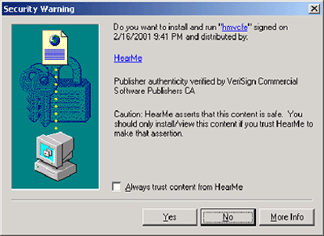
Step One: You will be prompted with a window asking if you want to install "hmvcfe" from HearMe.
Click YES.
Step Two: Installation will occur automatically.
Netscape Users:
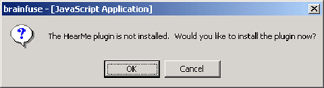
Step One: On Netscape you will be prompted with a window asking if you would like to install
the plugin now. Click OK.
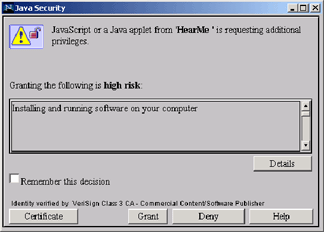
Step Two: Next, you will be prompted with the following window, and be asked to confirm
whether to GRANT or DENY the HearMe installation. Click GRANT.
Step Three: Installation will occur automatically.
|